App Guide
Short, illustrated guides for every part of the app, from your first birth chart to chart settings, dashas, saving charts and plans.
30 guides · 7 sections · English and हिंदी
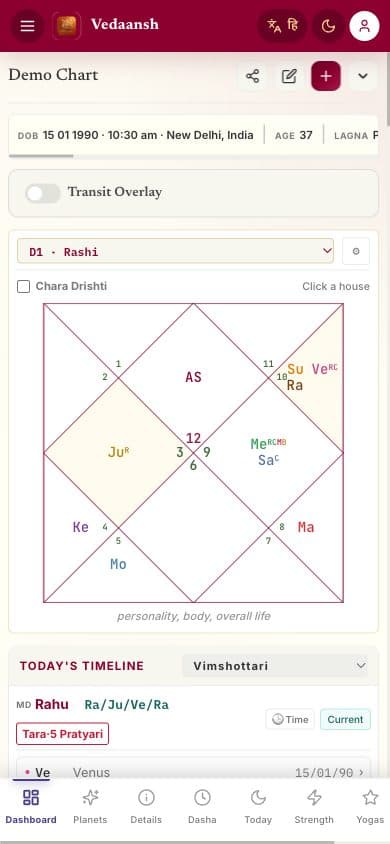
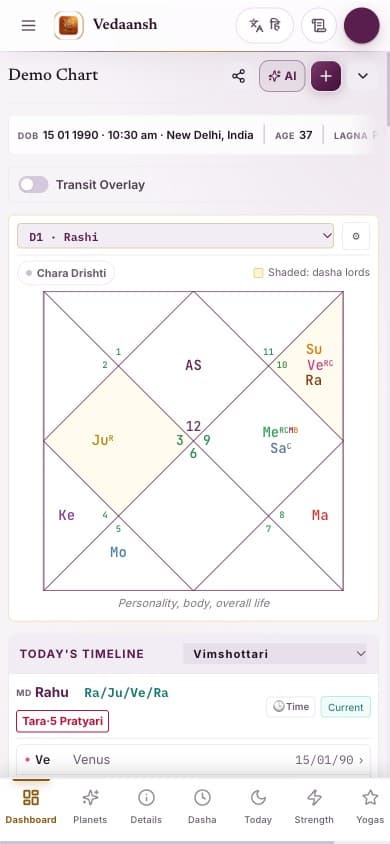
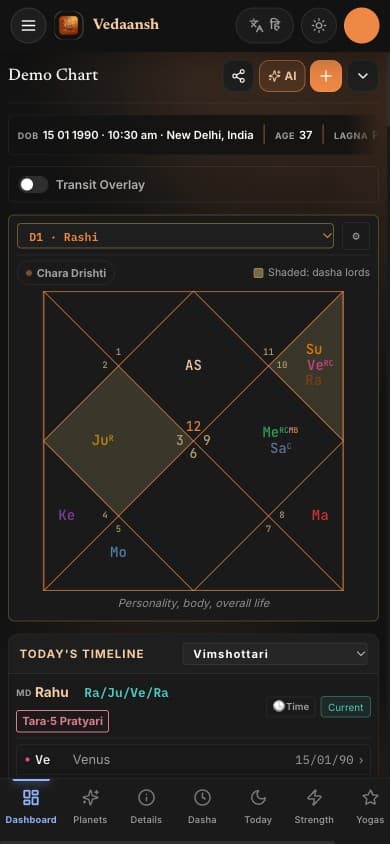
Open Workspace, click + New and enter the name, date, time and place of birth.
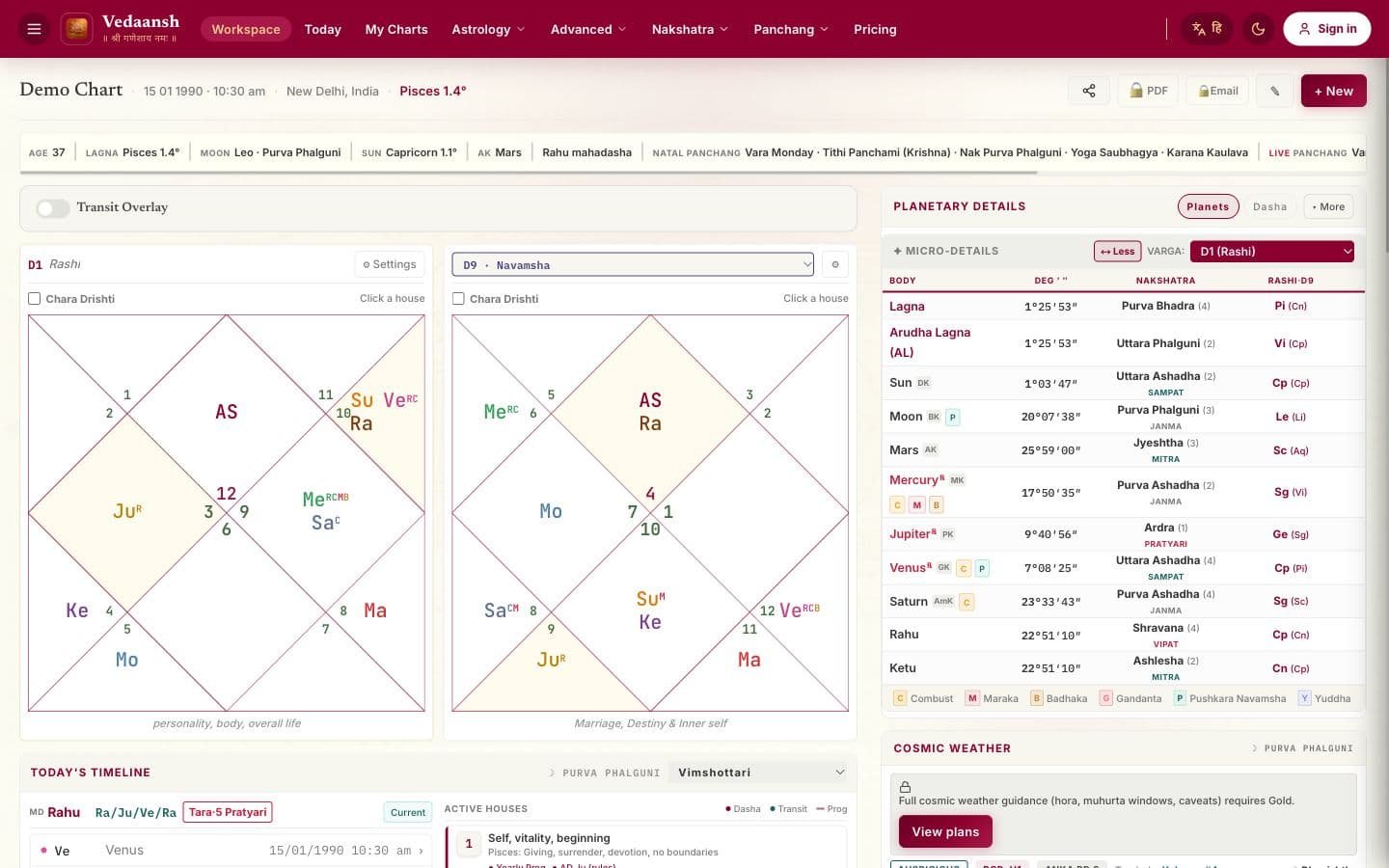
Click Calculate Chart. Your D1 (Rashi) and D9 (Navamsha) charts, planets and dashas appear.
Use the top menus (Astrology, Advanced, Nakshatra, Panchang) to open any reading for that chart.
Most used
The Workspace is where you will spend most of your time. These seven guides walk through every chart, setting, table and panel on it.
First chart, birth details and finding your way around.
What Vedaansh does and how to make your first birth chart in under a minute.
Free10 stepsHow to fill in the birth form correctly, including place, timezone and calculation settings.
Free11 stepsThe header menus, the side menu and how pages share the open chart.
Free9 stepsWhy you might want an account, how to sign up and what to do if you forget your password.
Free10 stepsDasha and analysis pages, divisional charts, interpretation and today's reading.
Relationship, career, dosha and kundali matching.
Marriage read from the 7th house, its lord, Venus and the Navamsha lagna, with an overall score.
Free · more with Gold5 stepsCareer direction from the 10th house, its lord, the Dashamsha (D10) and the professional method.
Free · more with Gold4 stepsChecks your chart for the six Shrap doshas (Pitru, Matru, Sarpa, Guru, Brahmin and Stri / Kanya), with remedies.
Free · more with Gold4 stepsMatch two charts with Ashtakoot guna milan, Porutham, dosha checks and a married-life reading.
Free · more with Gold6 stepsTransits, Panchang, Muhurta and Nakshatra tools.
See where the planets are now and how they move over your chart.
Free · more with Gold4 stepsDaily tithi, nakshatra, yoga, karana, vara, Rahu Kaal, choghadiya and festivals for any place.
Free6 stepsFind good days and times for a purpose such as marriage, travel, business or property.
Gold7 stepsYour birth star in depth: Kota Chakra, Navtara, life journey, slow transits, timing and guidance.
Free · more with Gold11 stepsJaimini, Nadi, Lal Kitab, Vastu, AstroCartography, SBC, Prashna and numerology.
The advanced systems under the Advanced menu and what each one is for.
Free · more with Gold6 stepsRead the chart the Lal Kitab way: Teva, predictions, doshas, rin, remedies, Varshphal and a saved 43-day tracker.
Free · more with Gold8 stepsAnswer a question from the chart of the moment it is asked.
Free · more with Gold7 stepsCore numbers, Lo Shu grid, name numbers and yearly cycles from a name and date of birth.
Free · more with Gold4 stepsMy Charts, sharing, client CRM, settings and billing.
Save charts, organise them with hashtags and notes, and import or export many at once.
Free9 stepsSend a chart to someone as a link, a PDF report or an email.
Free · more with Gold12 stepsFor astrologers: keep clients, session notes, remedies and follow-ups in one place.
Platinum7 stepsProfile, branding, your birth details, chart defaults, billing, data export and account deletion.
Free7 stepsWhat Free, Gold and Platinum include, how to upgrade and how to cancel.
Free9 stepsNo. You can calculate charts, read Panchang and match kundalis without signing in. An account lets you save charts, set a default chart and use paid plans.
Enter the closest time you know. The Lagna (ascendant) changes about every two hours, so house-based readings and dashas are the most sensitive to time. Planet signs and the Moon nakshatra are usually still correct.
Chart pages read the chart that is open in Workspace. If you open a page directly in a new tab, load your chart first, or sign in so your default chart loads automatically.
Locked sections are part of the Gold or Platinum plan. Free users see a short preview. See Plans and billing for what each plan includes.
Yes. Click the language button (EN / हि) in the header. Your choice is remembered on this device.
Write to our support team and include the page name and what you expected to see.